Convert & Manage Documents with Speed
Clean, Lightweight PDF Optimizer & Utility Kit
Sharp PDF -Tools — Interactive Web PDF Suite
Merge, split, convert images/text to PDF, watermark, rotate, scan, and listen with AI Voice (TTS) — 100% locally in your browser.
Split / Extract PDF
Split large multi-page PDF documents by selecting custom page ranges (e.g., 1-3, 5). Extract chapters, receipts, or individual certificates privately without uploading sensitive documents.
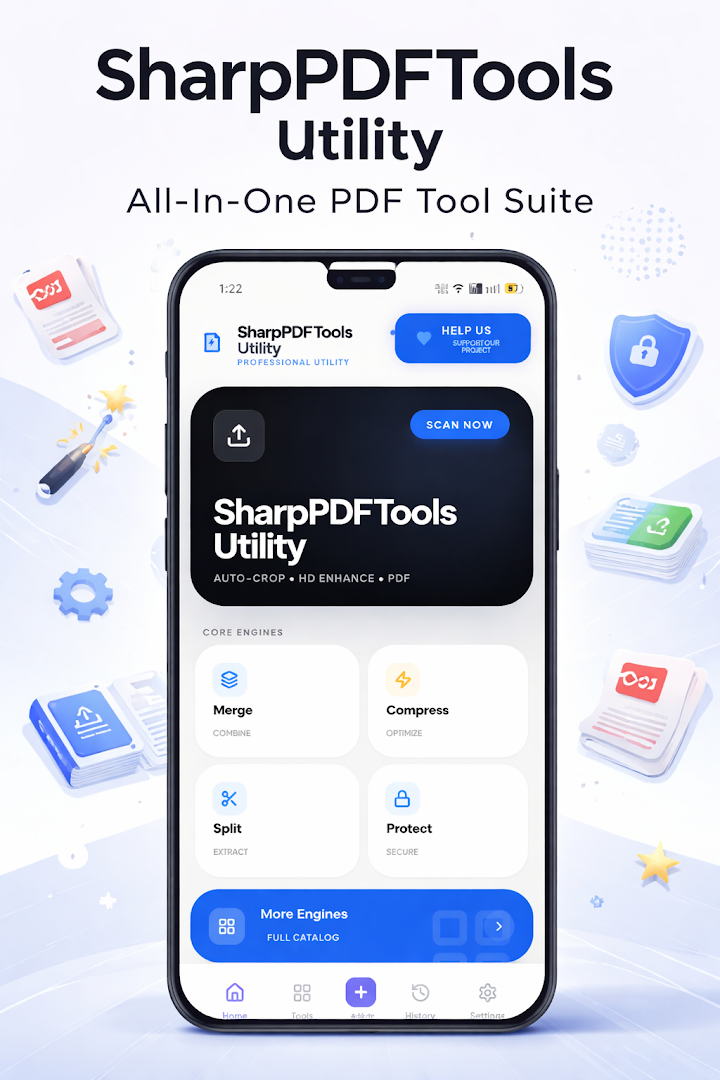
All-in-one mobile document workstation
Intuitive and easy-to-use interface tailored for mobile productivity
Engineered for smooth, high-fidelity operations without unnecessary complexity.
Fast response times with zero unnecessary background battery drain
Engineered for smooth, high-fidelity operations without unnecessary complexity.
Local on-device processing prioritizing privacy and data integrity
Engineered for smooth, high-fidelity operations without unnecessary complexity.
Regular updates conforming to latest Android SDK and Google Play guidelines
Engineered for smooth, high-fidelity operations without unnecessary complexity.
Experience lightning-fast document processing
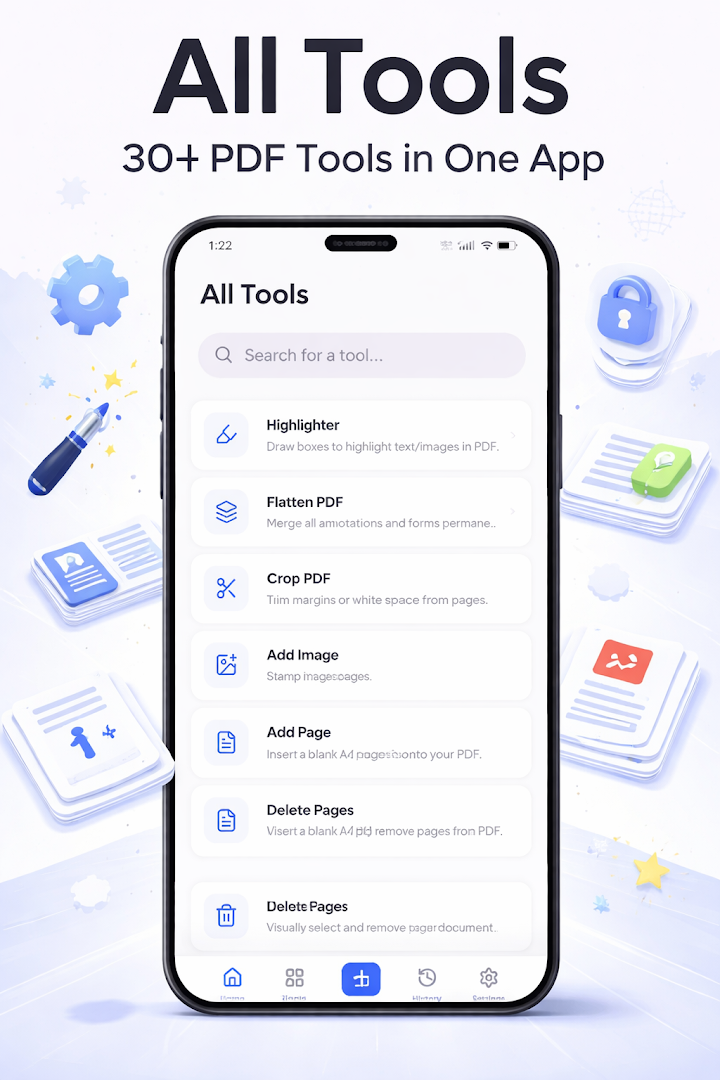
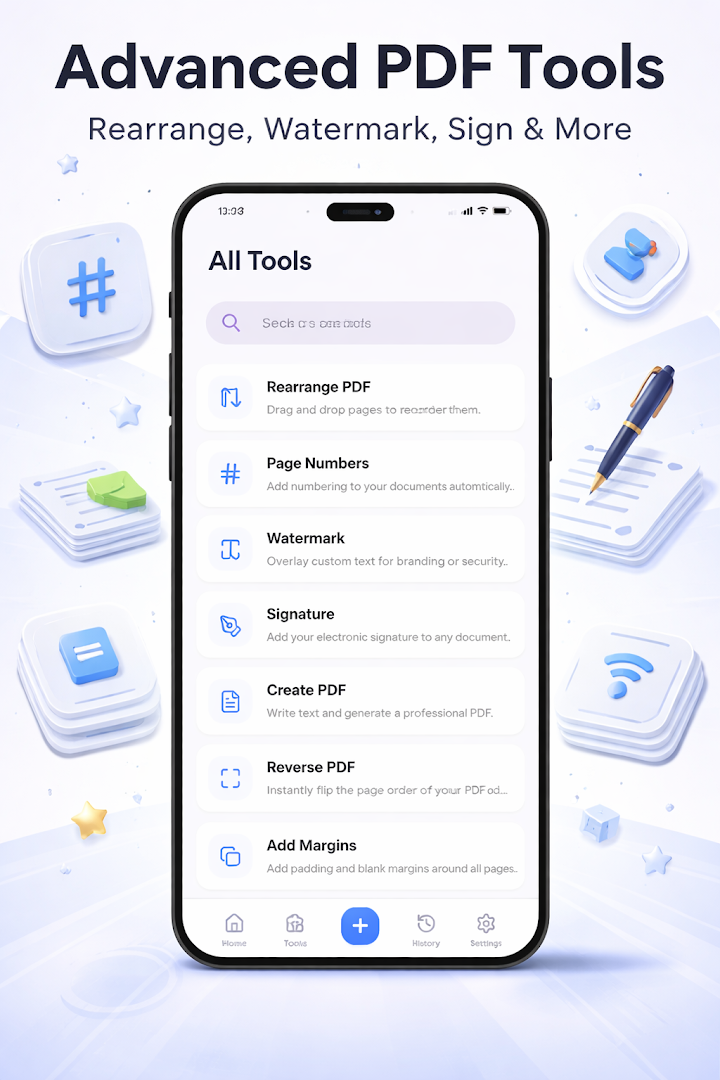
Explore authentic high-resolution screenshots of Sharp PDF -Tools
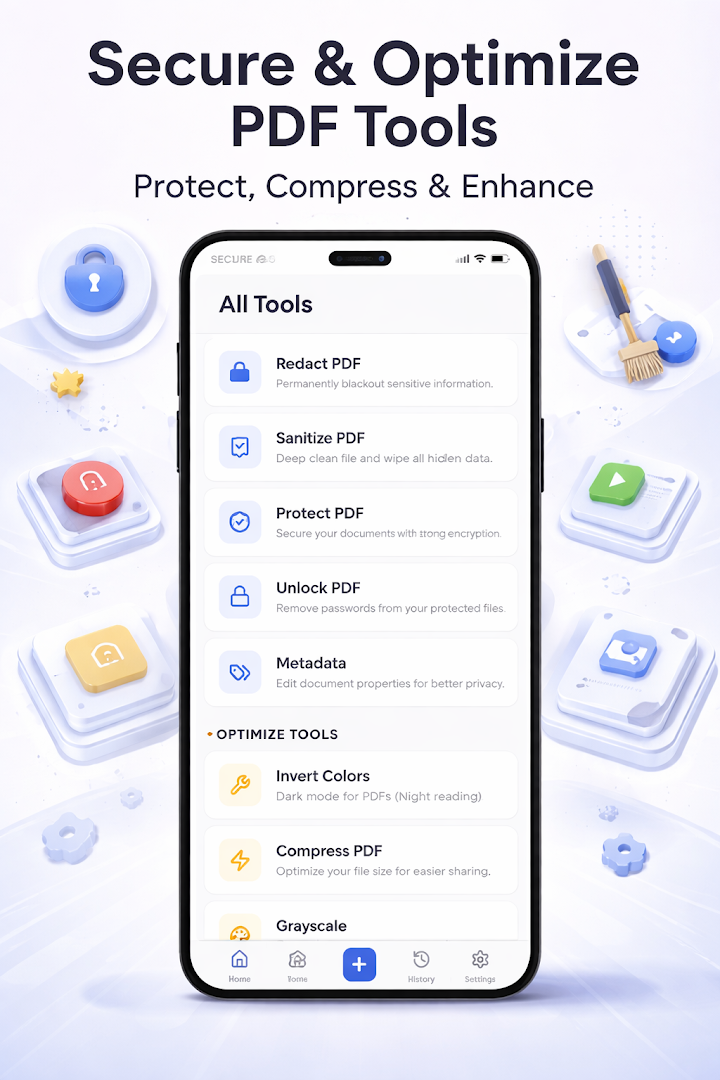
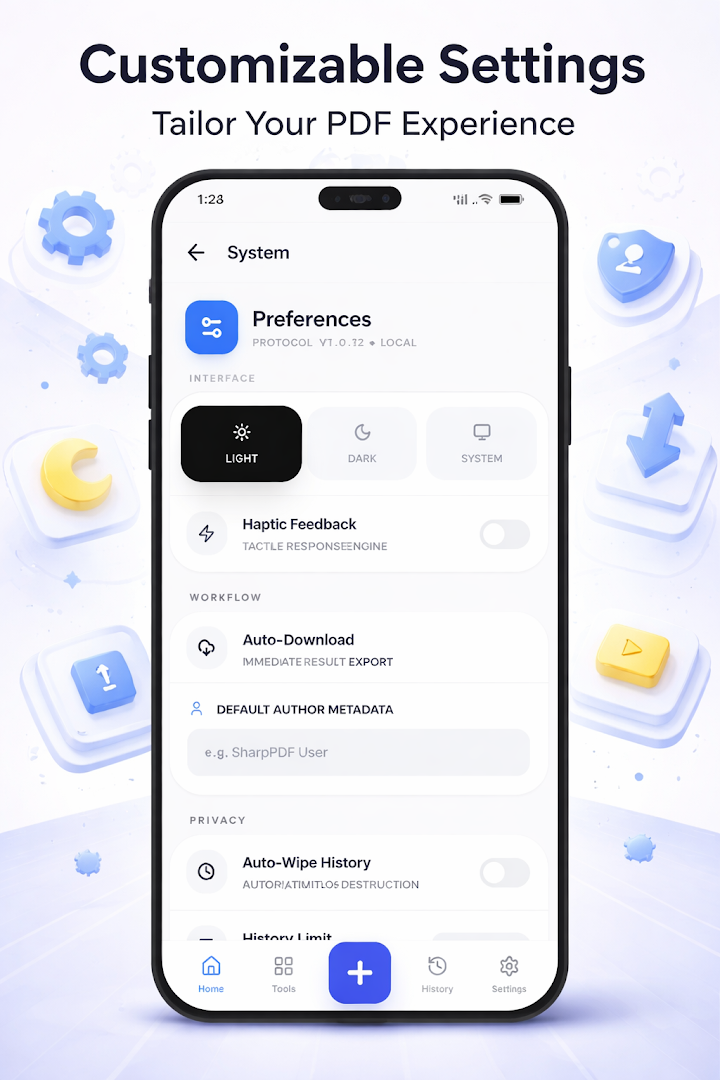
About Sharp PDF -Tools
Overview & Design Philosophy
Sharp PDF -Tools by Publixa is crafted to deliver exceptional utility, maximum convenience, and uncompromising privacy. Built adhering strictly to Google Play developer standards, Sharp PDF -Tools ensures reliable performance with clear offline boundaries.
Developed by Prince Kumar Singh under the Publixa brand, this application adheres to our privacy-first engineering philosophy. We ensure that personal files, user-generated content, and device sensors remain strictly localized to your hardware.
Technical Specifications
Dedicated Privacy Policy & Data Deletion
Inspect specific Android manifest permissions for Sharp PDF -Tools or submit a permanent data purge request directly through our compliance desk.